> For the complete documentation index, see [llms.txt](https://docs.novaworks.net/naturya-shopify-theme/llms.txt). Markdown versions of documentation pages are available by appending `.md` to page URLs; this page is available as [Markdown](https://docs.novaworks.net/naturya-shopify-theme/global-sections/header.md).
# Header
A guide to edit header in your store.
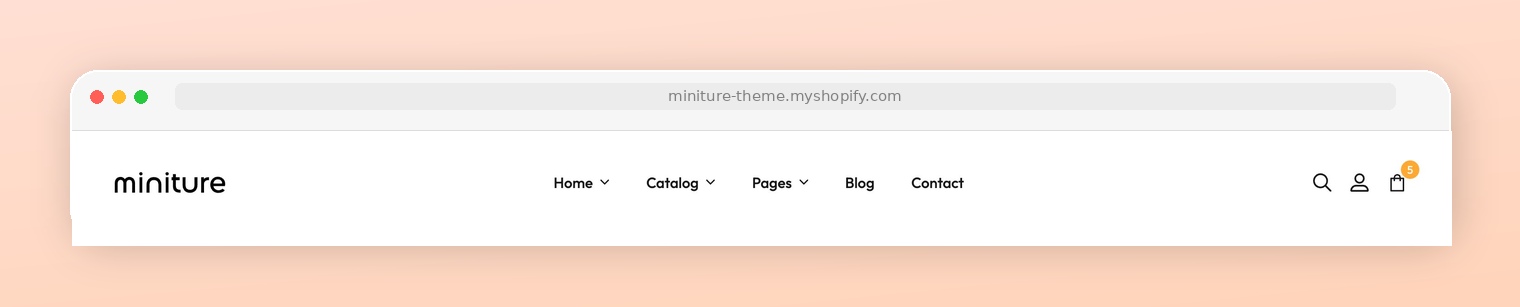
### What is the Header section?
The header is a content block at the upper part of your website that appears on every page. It usually contains the logo of a store, the main navigation menu, and other elements such as a search bar, language selector, etc.
The header plays a vital role in branding your site, helping visitors navigate, and displaying your most important pages.
### How to edit the Header section
You can freely customize your header to suit your business needs by choosing the main menu and other addons.
{% hint style="success" %}
Steps:
1. In the theme editor (**Customize**), go to the **Header** area.
2. Select the **Header** section.
3. Make necessary changes.
4. Click **Save**.
{% endhint %}