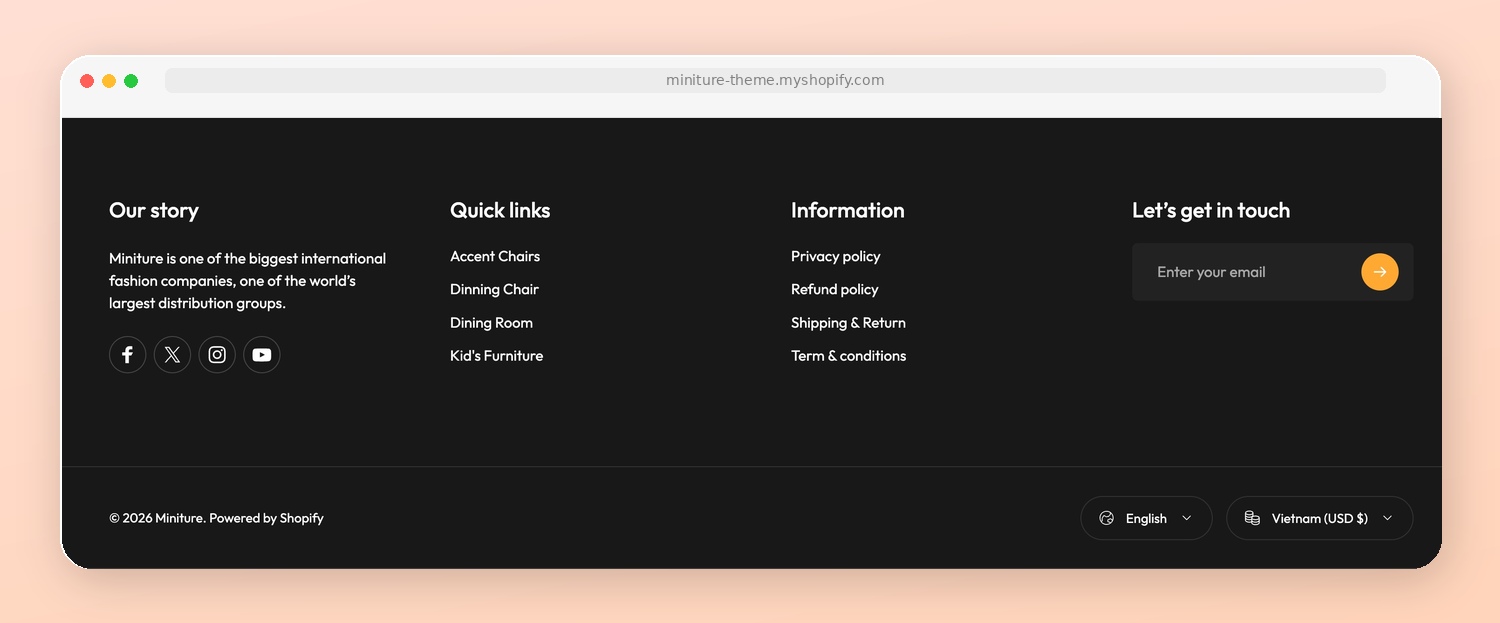
> For the complete documentation index, see [llms.txt](https://docs.novaworks.net/naturya-shopify-theme/llms.txt). Markdown versions of documentation pages are available by appending `.md` to page URLs; this page is available as [Markdown](https://docs.novaworks.net/naturya-shopify-theme/global-sections/footer.md).
# Footer
Create a professional store footer with links, social media icons, and payment badges
### How to edit the Footer section
{% hint style="success" %}
Steps:
1. In the theme editor (**Customize**), go to the **Footer** area.
2. Select the **Footer** section.
3. Make necessary changes.
4. Click **Save**.
{% endhint %}