> For the complete documentation index, see [llms.txt](https://docs.novaworks.net/naturya-shopify-theme/llms.txt). Markdown versions of documentation pages are available by appending `.md` to page URLs; this page is available as [Markdown](https://docs.novaworks.net/naturya-shopify-theme/getting-started/update-naturya-theme.md).
# Update Naturya theme
### Download – latest theme
**Step 1:** First download latest package from themeforest. [**https://themeforest.net/downloads**](https://themeforest.net/downloads)
**Step 2:** Extract all files from theme package.
\
**Step 3:** Again extract all files from Naturya-xxx.zip file into a designated folder. You may name the folder “**Naturya Latest**” or choose any name you prefer.
### Download – current theme
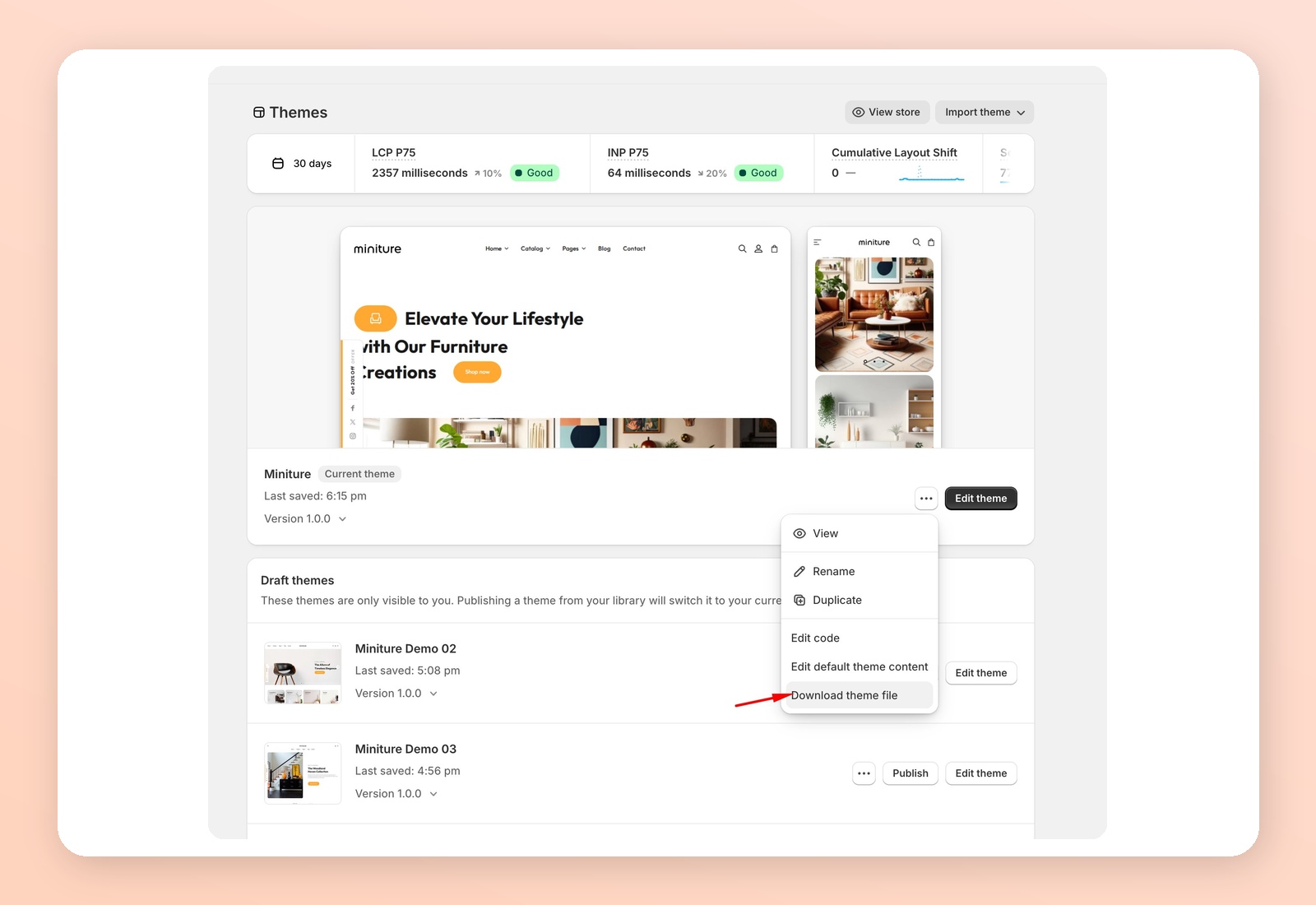
**Step 4:** Now go to your online store and download your active Naturya theme.\
Download link will be sent to your email address you are using on your store. Please download current theme from the email you received.
**Step 5:** This is the theme file (version) that you have downloaded from your store. Extract all files from this zip file to any folder.
\
**Step 6: Now copy specified** **files from Naturya Current folder and paste theme into Naturya Latest** folder. You have the option to either overwrite all files directly or remove them from Naturya Latest before pasting the copied files.
{% hint style="info" %}
The files to copy include: -> Entire **templates folder** -> Only **settings\_data.json file from the config folder** -> **.json files** (overlay-group, footer-group, header-group) from the **sections folder**
{% endhint %}
Ensure that you paste these files into their corresponding locations in Naturya Latest folder. You also need to moved language file if your store language is set to other than English language.
**Step 11 :** Select all folders within the **Naturya Latest** and compress them into a ZIP file.
**Steps 12:** Latest theme version is ready to upload. Upload **Naturya-latest.zip** file on your store.